•     marker--v2 302, B - Wing, 3rd Floor, Pinnacle Corporate Park, Bandra Kurla Complex, Bandra East, Mumbai - 400051
Key Highlights

G-Tec Jain Education Comprehensive Curriculum
Comprehensive Curriculum
Our Certificate Course in Graphic Designing offers a comprehensive curriculum that covers fundamental graphic design principles and software proficiency.
G-Tec Jain Education Hands-on Training
Hands-on Training
Our Certificate Course in Graphic Designing provides hands-on training using industry-leading software such as Adobe Photoshop, Illustrator, and InDesign.
G-Tec Jain Education Create Impactful Designs
Create Impactful Designs
Our Certificate Course in Graphic Designing empowers students to create impactful logos, typography, and layout designs that capture attention and communicate messages effectively.
G-Tec Jain Education Strong Design Portfolio
Strong Design Portfolio
Our Certificate Course in Graphic Designing helps students develop a strong design portfolio that showcases their creativity, skills, and versatility as graphic designers.
G-Tec Jain Education Insight Design and Creative Process
Insight Design and Creative Process
Our Certificate Course in Graphic Designing offers valuable insights into design theory and the creative process, empowering students to approach design projects with a strong conceptual foundation and a structured workflow.
G-Tec Jain Education Industry-Relevant Skills
Industry-Relevant Skills
The curriculum is carefully designed to cover the skills and techniques that are in high demand in the graphic design industry.

About the Course

G-Tec Jain Education Graphic Design Principles

Our Certificate Course in Graphic Designing focuses on teaching students graphic design principles while providing hands-on training in industry-standard software like Adobe Photoshop, Illustrator, and InDesign. This combination allows students to create stunning designs with a strong foundation in design theory and practical software skills

G-Tec Jain Education Strong Design Portfolio

Our Certificate Course in Graphic Designing helps students develop a strong design portfolio by engaging in projects that cover logo design, typography, and layout composition. This diverse range of projects allows students to showcase their skills and creativity across different design disciplines.

G-Tec Jain Education Practical Training in Industry

Our Certificate Course in Graphic Designing provides practical training in industry-standard software, equipping students with the skills to create visually appealing designs for various mediums.

G-Tec Jain Education Understanding Design and Creative Process

Our Certificate Course in Graphic Designing provides students with a comprehensive understanding of design theory and the creative process, empowering them to effectively communicate visual concepts in their designs

G-Tec Jain Education Skill Enhancement

Our Certificate Course in Graphic Designing is suitable for both beginners and individuals looking to enhance their graphic design skills. Whether you have no prior experience in graphic design or you're seeking to upgrade your existing skills, this course caters to learners of all levels.

G-Tec Jain Education Career-ready skills

Our Certificate Course in Graphic Designing provides you with the knowledge and expertise to excel in the dynamic field of graphic design. We focus on delivering career-ready skills that will set you apart and position you for success in the industry.

Content

This Graphic Design course provides in-depth training in CorelDRAW, Photoshop, InDesign, and Illustrator, covering essential tools, design techniques, and creative workflows. Students learn image editing, vector design, layout creation, typography, and print-ready design skills. The course focuses on practical, industry-oriented learning to create professional graphics and marketing materials.

  • Introduction to Corel Draw
  • Drawing and Coloring
  • Mastering with Text
  • Applying Effects
  • Working with Bitmap Commands
  • Corel Draw- Web resources

  • Getting Started
  • Interface Layout
  • Palettes
  • Toolbox
  • Selection Tools
  • Alteration Tools
  • Drawing and Selection Tools
  • Assisting Tools
  • Color Boxes and Modes
  • Basic Image Editing
  • Cropping
  • Resizing
  • Correcting
  • Saving

  • Getting Started with InDesign
  • Creating and Viewing a Document
  • Managing Pages
  • Working with Text
  • Placing and Working with Graphics
  • Working with Objects and Layers
  • Applying and Managing Color
  • Applying Fills, Strokes, and Effects
  • Working with Points and Paths
  • Working with Tables
  • Working with Style
  • Finalizing a Document
  • Exporting a Document

  • Selection Tools
  • Magic Wand
  • Drawing with Path Primitives
  • Drawing with the Pen Tool
  • Drawing in Illustrator
  • Type & Type Tools
  • Appearance & Fill
  • Grouping Objects
  • Applying Attributes to a Group
  • Layers
  • Art Boards
  • Transforming and Positioning Art
  • Working with images
  • Working Efficiently with Symbols
  • Working with Masks
  • Printing, Saving, and Exporting

Why Join This Course
  • 1. Comprehensive Curriculum: Fundamentals and industry-standard software like Photoshop, Illustrator, and InDesign.
  • 2. Hands-On Training: Practical experience using tools crucial for graphic design.
  • 3. Create Impactful Designs: Learn logos, typography, and layouts that communicate effectively.
  • 4. Strong Design Portfolio: Develop a robust portfolio showcasing creativity and versatility.
  • 5. Design Process Insights: Gain insights into theory and structured workflows.
  • 6. Industry-Relevant Skills: Acquire techniques highly sought after in the market.
  • 7. Graphic Design Principles: Master core principles for visually appealing designs.
  • 8. Practical Projects: Engage in logo design, typography, and layout composition.
  • 9. Career Preparation: Become job-ready with industry-standard software proficiency.
  • 10. Versatile Portfolio: Showcase proficiency across various design disciplines.
  • 11. Software Proficiency: Master image editing, vector graphics, and layout design.
  • 12. Hands-On Application: Apply theory immediately through practical exercises.
  • 13. Creative Freedom: Develop a unique style under expert guidance.
  • 14. Personalized Learning: Receive feedback from experienced instructors.
  • 15. Network Opportunities: Connect with peers through workshops and events.
  • 16. Responsive Design: Design for multiple platforms and devices.
  • 17. Upgrade Skills: Suitable for beginners and those looking to advance.
  • 18. Portfolio Enhancement: Demonstrate your growth as a graphic designer.
  • 19. Design Challenges: Learn to tackle design hurdles with confidence.
  • 20. Certification: Earn a recognized certificate to validate your credibility.


Learners Outcome

G-Tec Jain Education Learners Outcome
  • Apply graphic design principles and design theory to create visually appealing designs.
  • Demonstrate proficiency in using Adobe Photoshop, Illustrator, and InDesign.
  • Create impactful logos, typography, and layout designs for various mediums.
  • Develop a strong design portfolio showcasing their creativity and skills.
  • Understand the creative process and effectively communicate visual concepts.
  • Apply industry-relevant design practices and techniques in real-world scenarios.
  • Prepare for career opportunities in graphic design and related fields.
  • Keep pace with the evolving trends and standards in the graphic design industry.

Career Outcome

  • Graphic Designer
G-Tec Jain Education Career Outcome

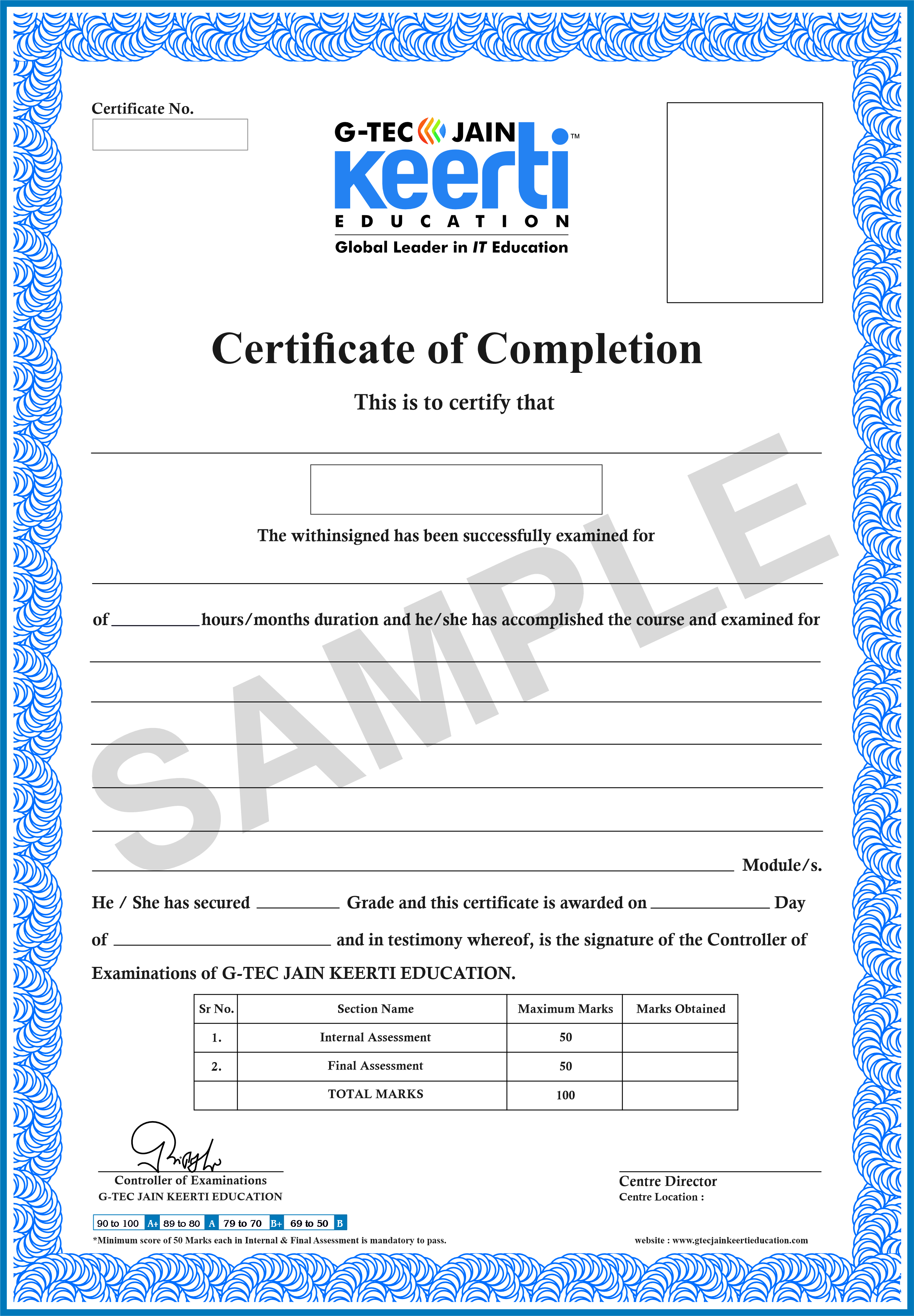
Certificate in Graphic Designing


Our Affiliations & Associations

We believe people are at the centre of every solution, leading us to the right solution just waiting to be delivered.


G-Tec Jain Education abma-education
G-Tec Jain Education acca
G-Tec Jain Education ac-council
G-Tec Jain Education adobe-certified
G-Tec Jain Education aie
G-Tec Jain Education autodesk
G-Tec Jain Education certiport
G-Tec Jain Education esb
G-Tec Jain Education iaap
G-Tec Jain Education
G-Tec Jain Education iab
G-Tec Jain Education iibi
G-Tec Jain Education information-technology-specialist
G-Tec Jain Education jain
G-Tec Jain Education media-intertainment
G-Tec Jain Education microsoft-office-specialist
G-Tec Jain Education niekit
G-Tec Jain Education nsdc
G-Tec Jain Education pmi
G-Tec Jain Education prometric
G-Tec Jain Education quick-books
G-Tec Jain Education rasci
G-Tec Jain Education sap
G-Tec Jain Education sap-partner
G-Tec Jain Education sap-student-academy-program
G-Tec Jain Education tally
G-Tec Jain Education uk


TESTIMONIALS OF THE DESIGN & DEVELOPMENT COURSE

Frequently Asked Questions

  • The Certificate Course in Graphic Designing is a program that provides training in the principles and practical skills of graphic design, preparing individuals to create visually appealing designs for various media.
  • Aspiring graphic designers, artists, creative professionals, and individuals interested in pursuing a career in graphic design should consider this course.
  • The course typically covers design theory, typography, color theory, layout design, Adobe Creative Suite (Photoshop, Illustrator, InDesign), and creating designs for print and digital media.
  • No, many graphic designing certificate courses are designed for beginners and start with the basics of design principles and software usage./li>
  • This course equips individuals with essential design skills, making them valuable assets in industries such as advertising, marketing, publishing, and web design.
  • Yes, successful completion of the course usually results in a certificate validating the graphic design skills acquired.
  • The course duration is 80 Hrs. and 3 Months Program
  • Yes, many courses offer practical exercises and hands-on training to apply the concepts learned and build a portfolio of work.
  • Yes, there is a demand for skilled graphic designers in various industries, providing opportunities in design studios, advertising agencies, corporate marketing departments, and more.


keerti Learner Support

Throughout the course, learners will have access to dedicated support from instructors and course mentors. They can ask questions, seek clarification, and receive guidance to enhance their learning experience.
Additionally, the course provides a collaborative learning environment where students can interact with peers, share insights, and learn from each other's experiences.

For more details connect with us:

Interested In Course

Download the Brochure by filling the form below